Alternatives to WooCommerce: Shopify and more

Are you thinking about an alternative to WooCommerce? Check out what these other website-building platforms offer.

WooCommerce is a plugin that you can use within WordPress to make any site a functioning store. This makes it relatively easy to set up a store with an existing website if you already use WordPress.

However, there are other platforms in the market that might work better for you, especially if you don’t have an existing WordPress site. This guide tells you about some WooCommerce competitors and what they do differently.

Shopify

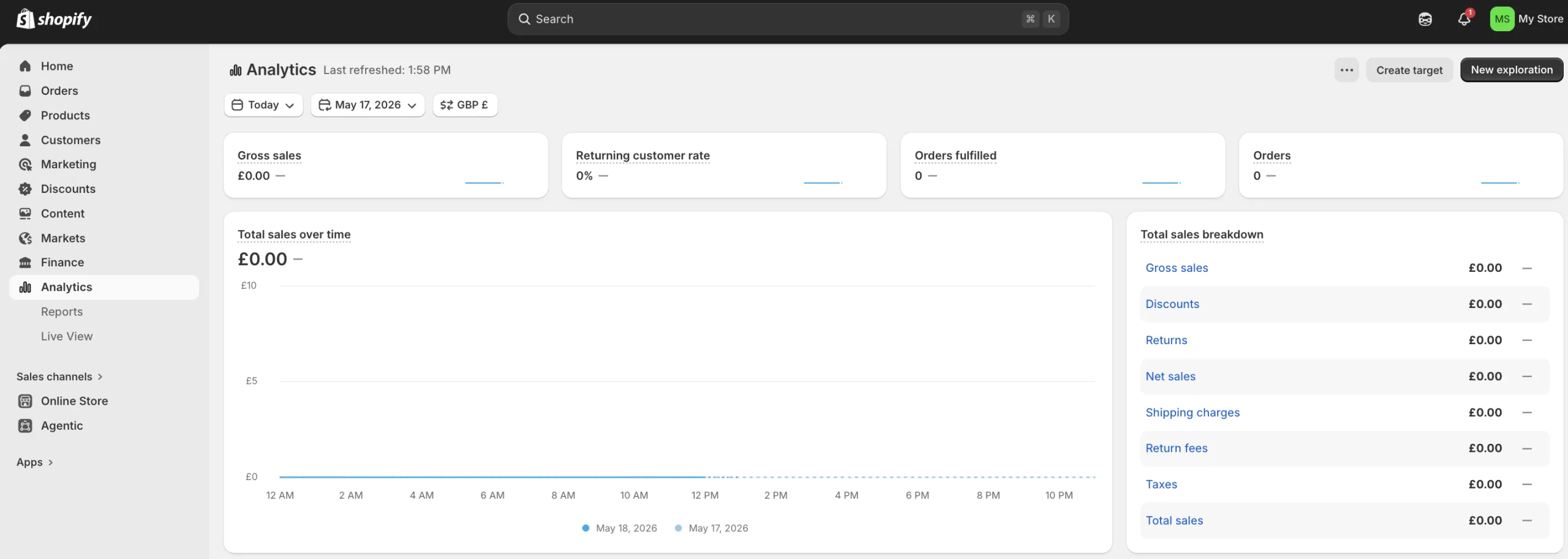
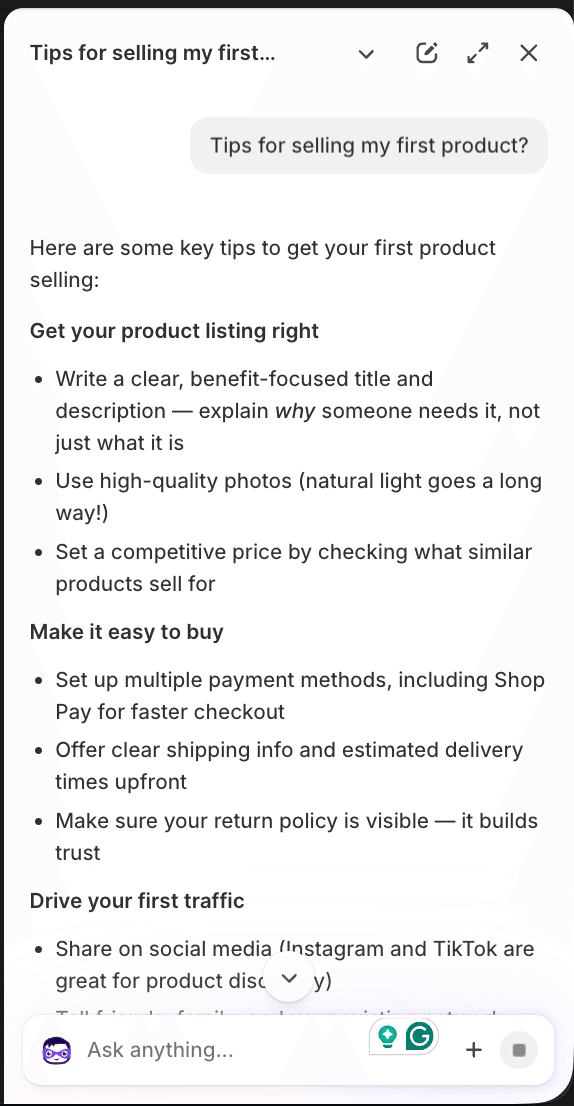
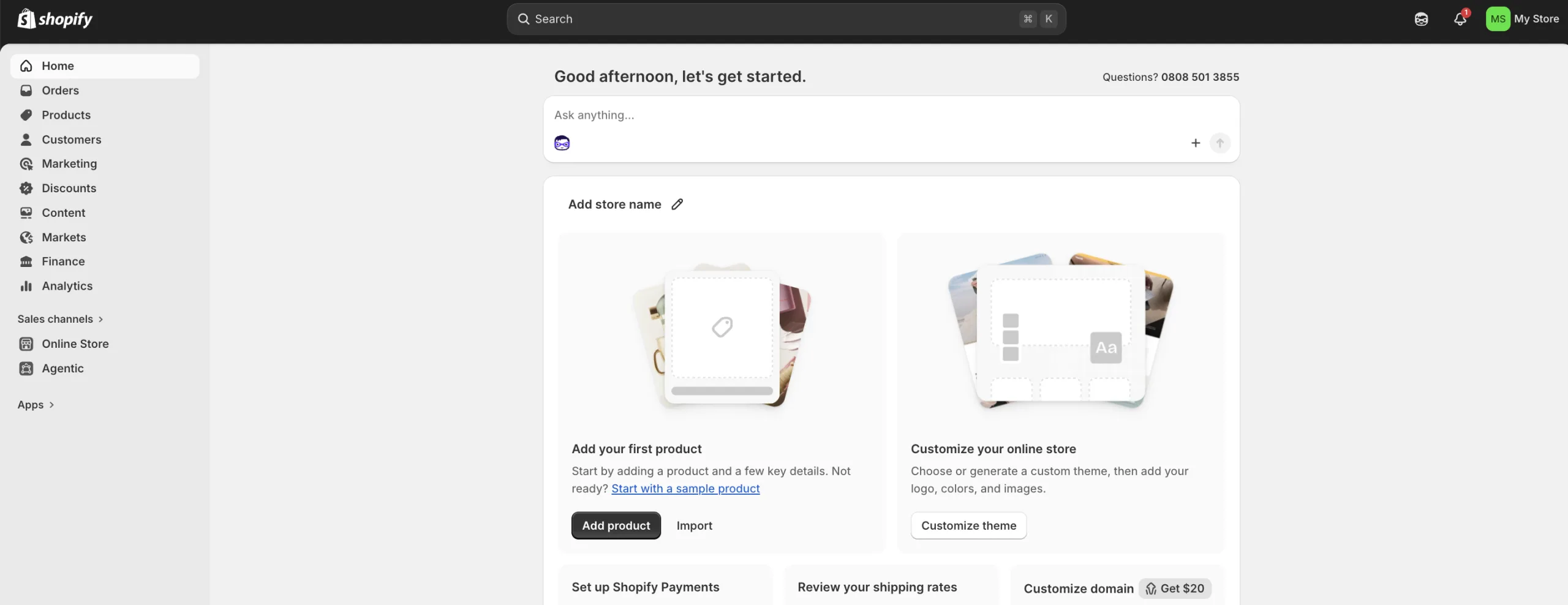
If you’re looking to build an online store then chances are you’ve come across Shopify. It comes with website-building tools, SEO and analytics, payment processing, inventory management and AI features. Shopify also helps you make sales and market using social media.

Pros

  • The biggest player in e-commerce platforms
  • No tech costs because it's included in the price
  • User friendly for you and the customers
  • Access to the Shop Pay ecosystem which can increase sales

Cons

  • You're limited by Shopify's templates
  • Monthly fees can increase quickly if you add lots of Shopify's paid apps
  • Using other payment methods can incur extra charges
  • Credit card fees aren't returned when you process a refund

BigCommerce

With advanced tools and zero platform transaction fees, BigCommerce can give you clarity on cost. It offers flexible tools and integrations, expert support and the ability to sell products across multiple domains.

Pros

  • Advanced features included in monthly price
  • Doesn't charge transaction fees
  • Third-party real time shipping calculations are available on any plan
  • Unlimited number of staff accounts

Cons

  • Monthly price is based on revenue, so if you earn more you'll be forced to upgrade
  • Can be more complex than competitors
  • No email marketing tools
  • You need to use third-party apps to set up subscriptions

Squarespace

You can easily create a website that looks like it has been designed by a professional with Squarespace. Web hosting, software updates and security are included in the price, so you can focus on making your site perfect. Expect a sleek user experience if you choose this.

Pros

  • Designed so that anyone can create a good-looking website
  • All-in-one solution to build a website
  • Built-in marketing tools
  • Easy for beginners to use

Cons

  • Fees can add up if you need more features
  • Not as good for e-commerce as other platforms
  • Limited flexibility for complex or massive product inventories
  • Website editor can be difficult to use

Wix

You can build a website from scratch without needing any coding skills. It has lots of templates to choose from and its AI website builder can help you get started. Hosting is included in the price, so Wix handles tasks like software updates and security for you, which means you can focus on other things.

Pros

  • Has lots of templates
  • AI website builder is a useful tool so you don't need any coding skills
  • Hosting is included in the price
  • Automatically backs up your website so you can restore it if you need to

Cons

  • Advanced features will cost you extra
  • Navigation can be an issue if you have a larger product catalogue
  • Can sometimes have slower site speeds compared to competitors
  • Limited flexibility with the design

Bottom line

You can use an e-commerce platform to help you launch a digital storefront quickly, but every platform is different. WooCommerce has lots of competitors, so you need to decide what you want your website to be before you choose the platform that best fits your needs.

You should think about what tools are available, how quick it is to set up and how much you’re going to need to spend to make your website perfect. If you take advantage of free trials, you can see which platforms you like best.

If you’re not sure about using WooCommerce then consider some of the other platforms on this list.

Jason Loewenthal's headshot
Senior writer

Jason is a writer and editor. He worked as a senior subeditor for Finder for 5 years and in that time became familiar with a wide range of financial products and services. Before that, he worked for Australian Associated Press. He has a BA from Macquarie University in Australia. Jason loves to help other people find new ways to save money. See full bio

More guides on Finder

Go to site