6 Apps Like Wise in 2026

Compare apps similar to Wise to find the best choice for your international money transfer and global payment needs.


Wise offers international money transfers with no exchange rate markup, multi-currency accounts and an international debit card to help you avoid foreign transaction fees. But if you’re searching for Wise alternatives in Canada, there are several options to choose from.

To help you find the right fit, we’ve compiled 6 leading apps similar to Wise so you can compare fees, features and transfer speeds.

Finder Score Fastest Transfer Speed Fees (Pay by Bank Transfer)

Remitly: If you want a great app experience when sending transfers

Remitly logo
Finder score
Finder score
Within minutes
From $0
Go to siteView details
Compare product selection

Why we like it

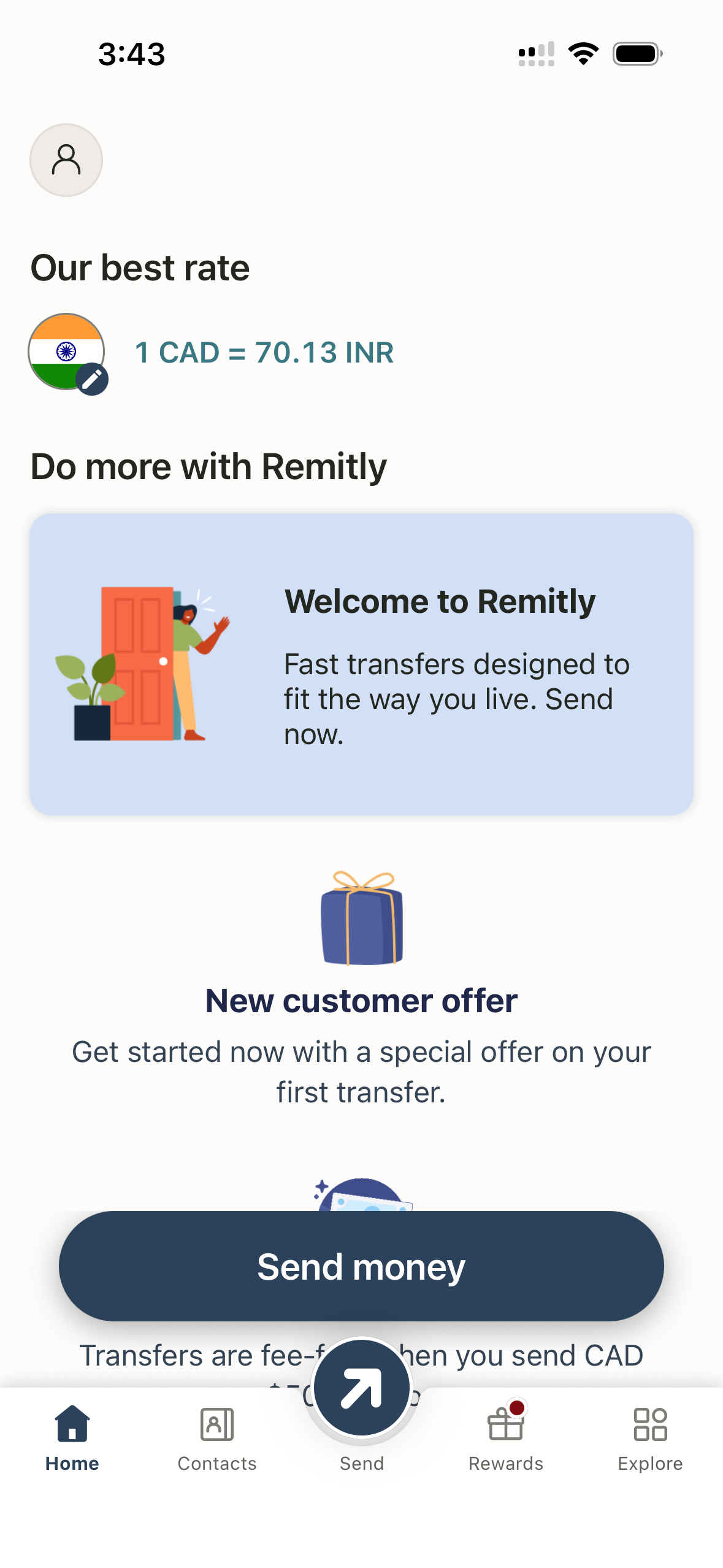
We like that Remitly offers competitive rates, transfers to 175+ countries and territories, multiple delivery options and express transfers that can arrive within minutes. You can send funds online or via an easy-to-use mobile app, and we appreciate that you can see Remitly’s exchange rate and fees without even needing an account. We also like Remitly One, a membership program that includes send-now-pay-later transfers, up to $5 cashback a month and annual rewards.

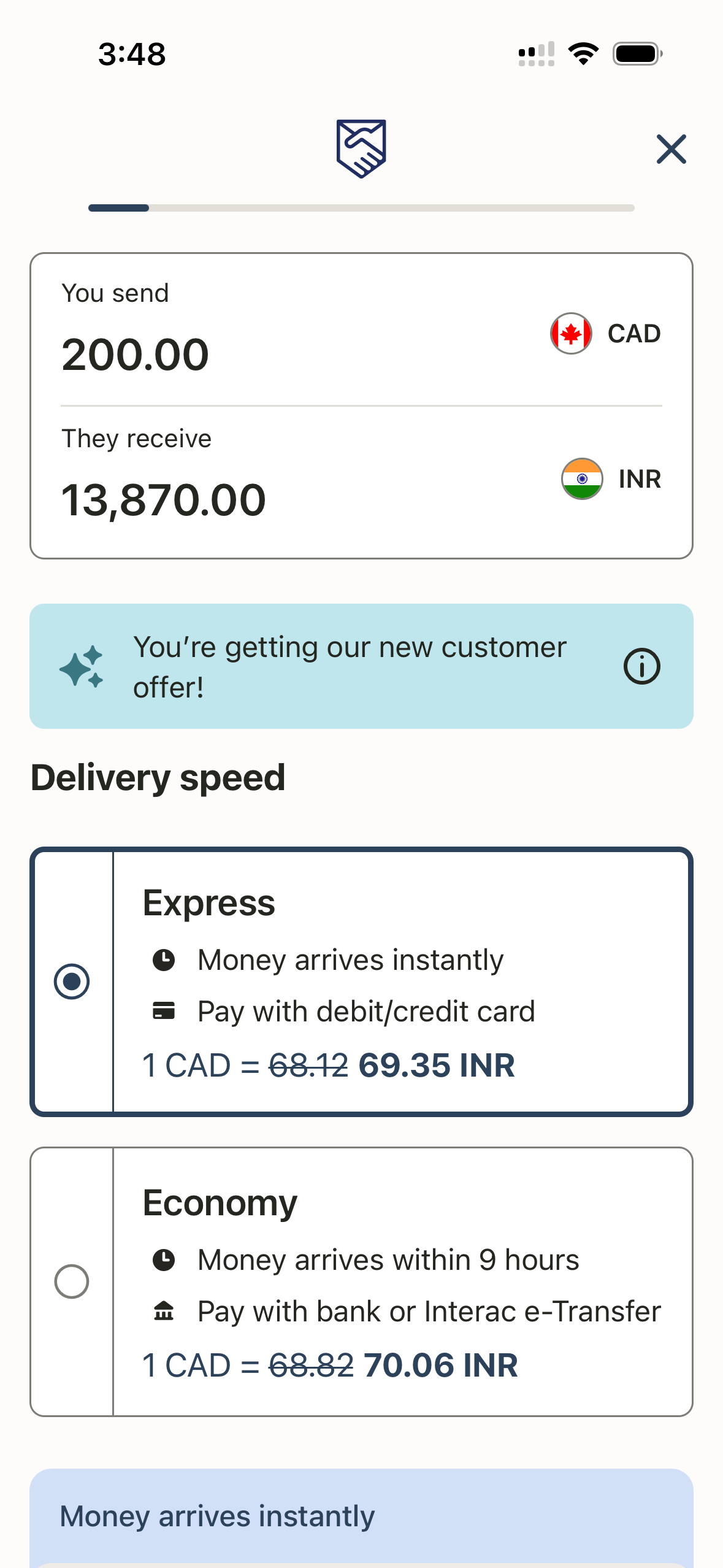
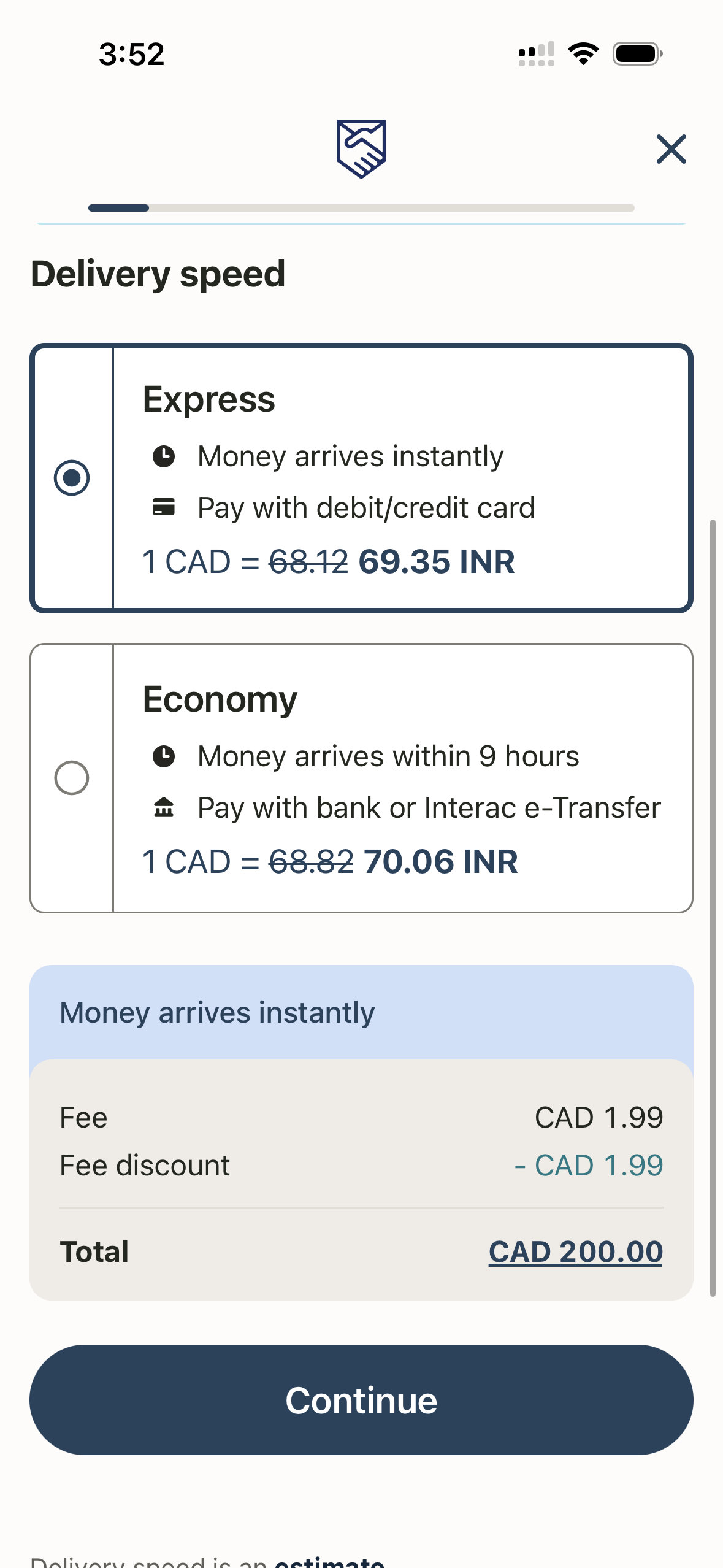
  • Transfer cost: Transfer fees vary by destination, payment method and delivery method, but certain corridors and transfer types qualify for zero-fee transfers, such as sending over $500 CAD to India or making bank deposits to the Philippines. Exchange rate margins vary depending on the currency you send but remain competitive, especially compared to traditional banks.
  • Payment options: Credit card, debit card, bank transfer, mobile wallet or Interac e-Transfer
  • Receiving options: Bank or debit card deposit, cash pickup, mobile wallet, home delivery
  • Currencies: 100+
  • Transfer limit: $140000 CAD (limit varies depending on your verification level, payment method, destination country and transfer history)
  • Customer support: Phone, live chat

Pros

  • Wide range of transfer destinations
  • User-friendly mobile app
  • Multiple payment and delivery options
  • Fast transfers
  • Competitive exchange rates
  • Promotions for new users

Cons

  • No advanced transfer tools
  • Inconsistent exchange rate markup

Xe: If you want a multi-currency personal account

Xe logo
Finder score
Finder score
Within minutes
$0
Go to siteView details
Compare product selection

Why we like it

We like that standard bank-to-bank transfers over $1,000 are typically fee-free with Xe. You’ll still have to pay an exchange rate markup, but Xe offers competitive rates. We also like that Xe is a Canadian company headquartered in Newmarket, Ontario, and is starting to offer a multi-currency account similar to Wise, allowing users to hold, convert and send money in multiple currencies. The multi-currency account is not available to all customers yet but is slowly being rolled out.

  • Transfer cost: Transfer fees vary depending on your payment method, the amount and the country you send money to, but most bank-to-bank transfers over $1,000 are free. An exchange rate markup is also applied, but Xe's rates are generally quite competitive
  • Payment options: Bank or wire transfer, EFT, debit card, credit card, Interac (CAD only), mobile wallet, bill payment
  • Receiving options: Bank account, mobile wallet, cash pickup
  • Currencies: 100+
  • Transfer limit: $560,000 online (no max offline)
  • Customer support: Phone, live chat, email

Pros

  • Send money just about anywhere
  • User-friendly mobile app
  • Wide range of payment and receiving methods
  • Competitive rates
  • Fee-free transfers available

Cons

  • Exchange rate markup applies
  • Fees for small transfers

Loop: If you want a multi-currency business account

Loop logo
Finder score
Not scored yet
Finder score
Not scored yet
Within an hour
$0
Go to siteView details
Compare product selection

Why we like it

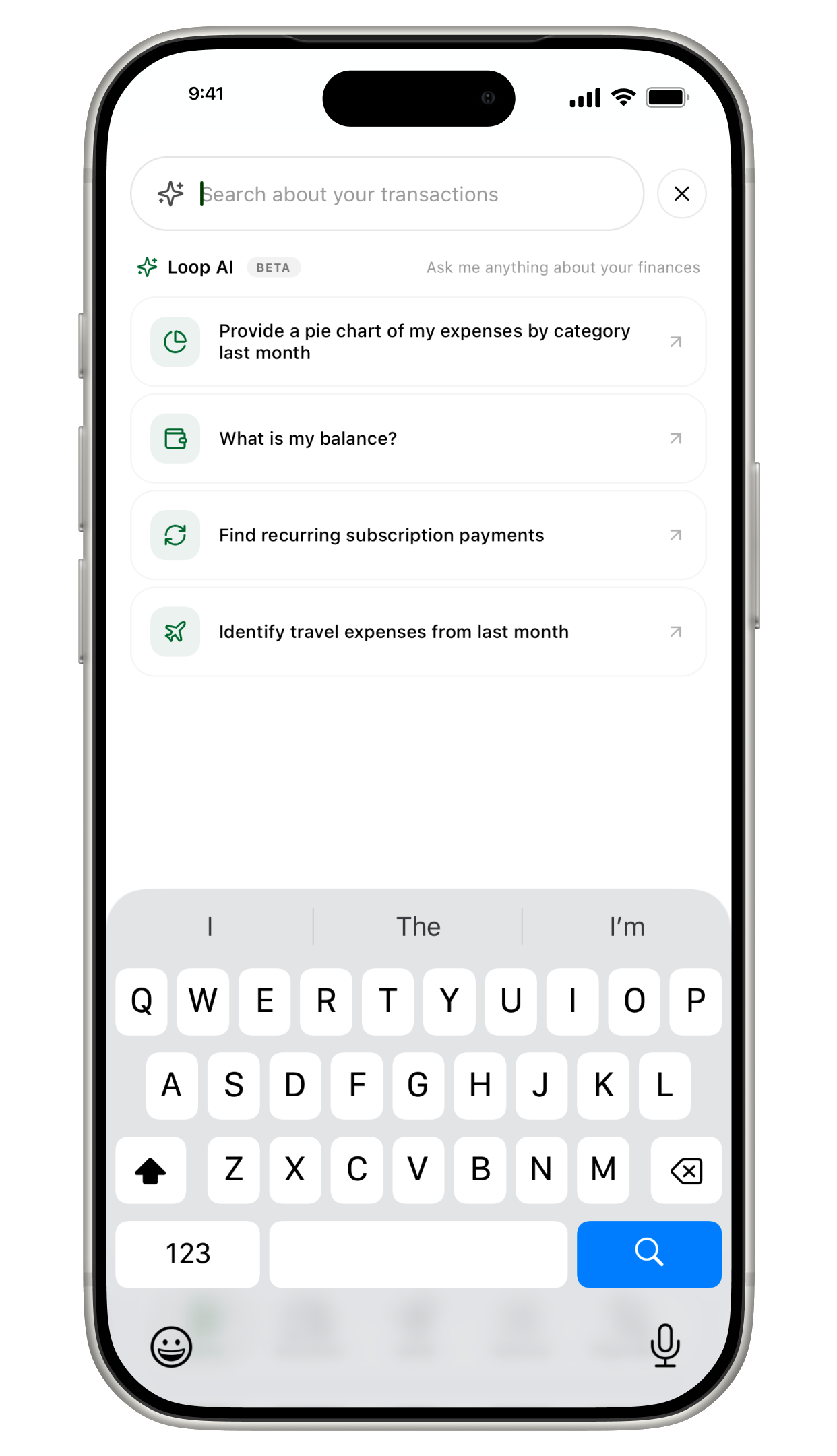
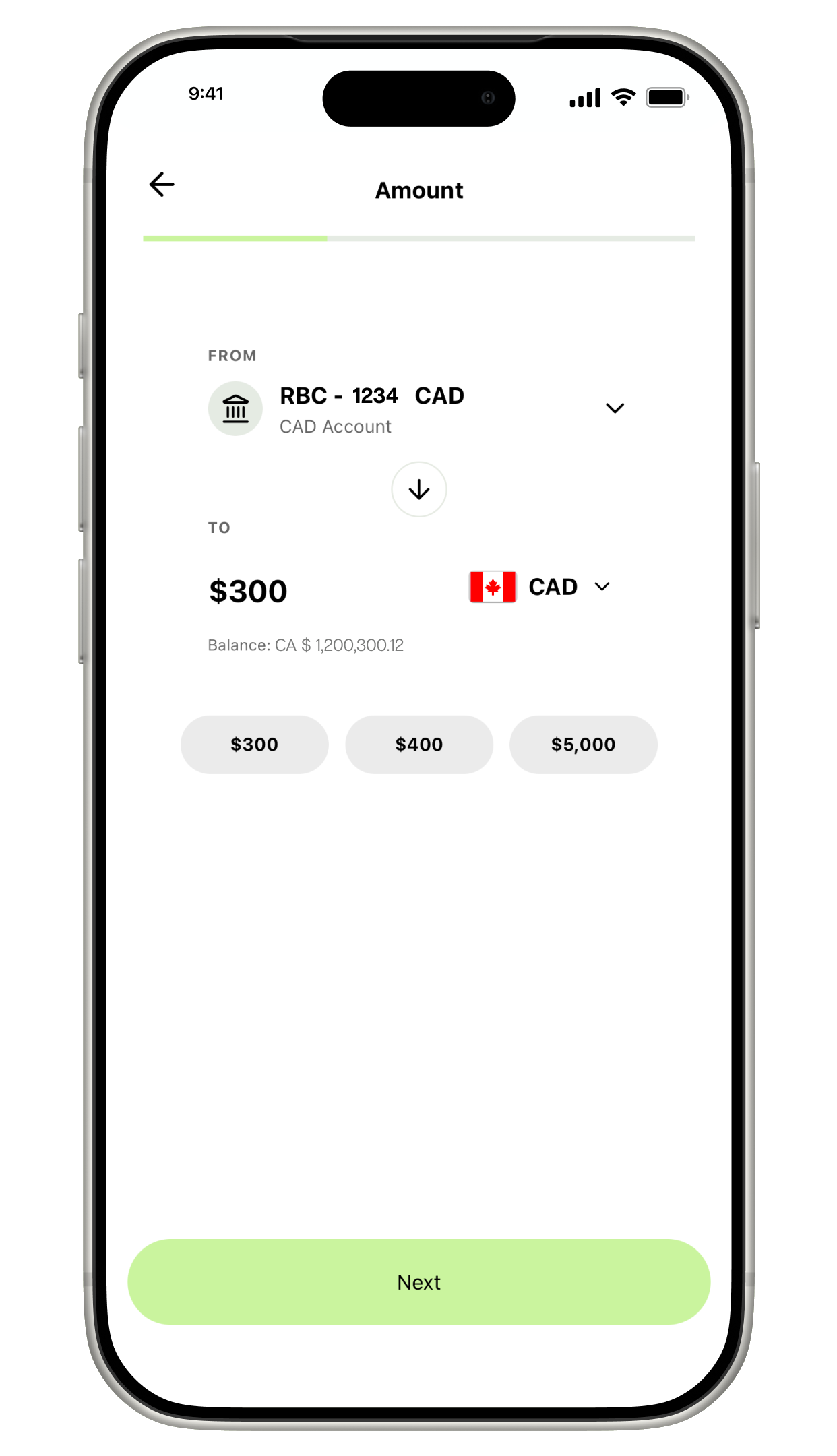
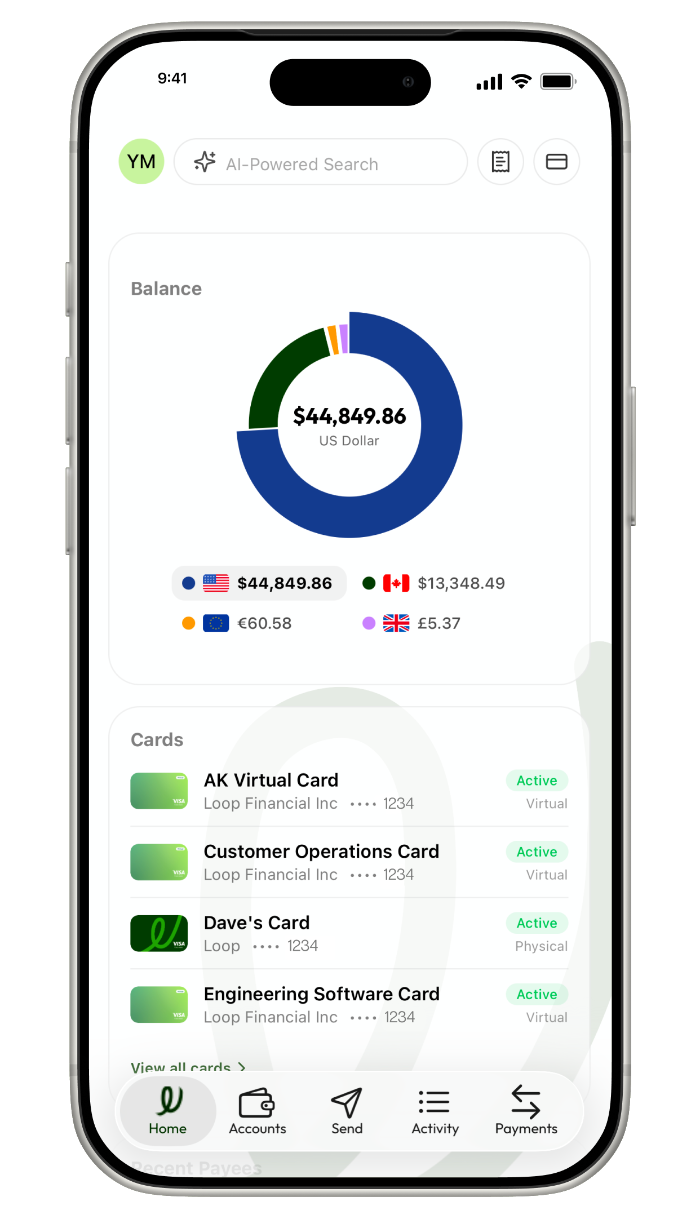
If you send or spend money abroad for work, we think Loop is a good option as it’s a Canadian company that specializes in cross-border banking solutions for businesses. It offers corporate cards with no FX fees; CAD, USD, EUR and GBP accounts; CDIC protection; and the ability to send money to 180+ countries in 37+ currencies. We also like that Loop lets you manage your expenses, accounts receivable and accounts payable directly on the platform.

  • Transfer cost: There are no transfer fees. Exchange rate markup of 0.1% to 0.4% applies—0.47% with a free account, 0.27% with a Loop Plus account ($79 monthly fee) and 0.12% with a Loop Power account ($299 monthly fee)
  • Payment options: Bank transfer, Interac e-Transfer, wire transfer
  • Receiving options: Bank account
  • Currencies: Send payments in 37 currencies, hold funds in 4 currencies
  • Transfer limit: $1 million - $5 million
  • Customer support: Email, live chat, scheduled call

    Pros

    • Competitive exchange rates
    • Send payments to 180+ countries
    • Avoid foreign exchange costs
    • Multi-currency credit card also available
    • Fast transfers

    Cons

    • You'll need to pay a monthly fee to get the best exchange rates
    • Not designed for personal banking

    OFX: If you want to send large transfers over $10,000

    OFX  logo
    Finder score
    Not scored yet
    OFX
    Exclusive
    Finder score
    Not scored yet
    24 hours
    From $0
    Finder exclusive: Discounted exchange rates for your first and ongoing transactions. $0 transfer fee. T&Cs apply.
    Go to siteView details
    Compare product selection

    Why we like it

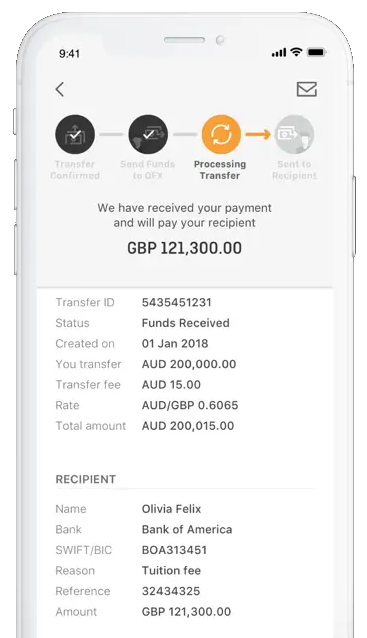
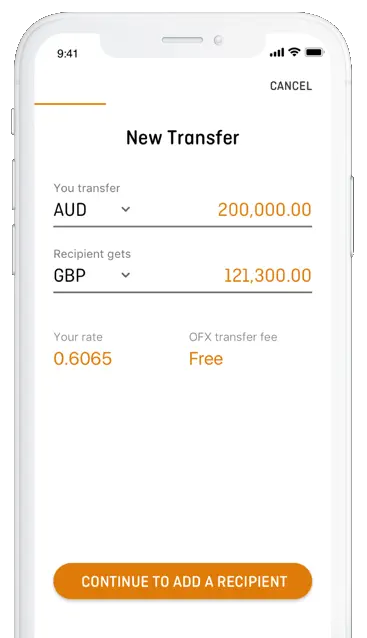
    We like that OFX offers business and personal money transfers, as well as a Global Currency Account. The account allows you to hold, receive and send funds in 30+ currencies, with local account details available for CAD, GBP, EUR and USD. We also like that OFX has additional features, including FX tools such as spot transfers, forward contracts and limit orders, along with budgeting tools, accounts payable software and corporate cards with 1% unlimited cashback, although some features may only be available on paid plans.

    • Transfer cost: Transfers are fee-free when you send more than $10,000, while a $15 fee may apply for transfers of less than $10,000.
    • Payment options: Direct debit, Interac e-Transfer, bill payment, EFT, wire transfer
    • Receiving options: Bank account
    • Currencies: 30+
    • Transfer limit: Unlimited+
    • Customer support: Phone, email

    Pros

    • Established company
    • Offers limit orders and forward contracts to help you get the exchange rate you want
    • Large transfers are fee-free
    • 24/7 support
    • Wide range of currencies

    Cons

    • Can only send to a bank account
    • $200 minimum transfer limit may not suit all businesses

    Western Union: If you want flexible payment and delivery options

    Western Union logo
    Finder score
    Finder score
    Within minutes
    From $0
    View details
    Compare product selection

    Why we like it

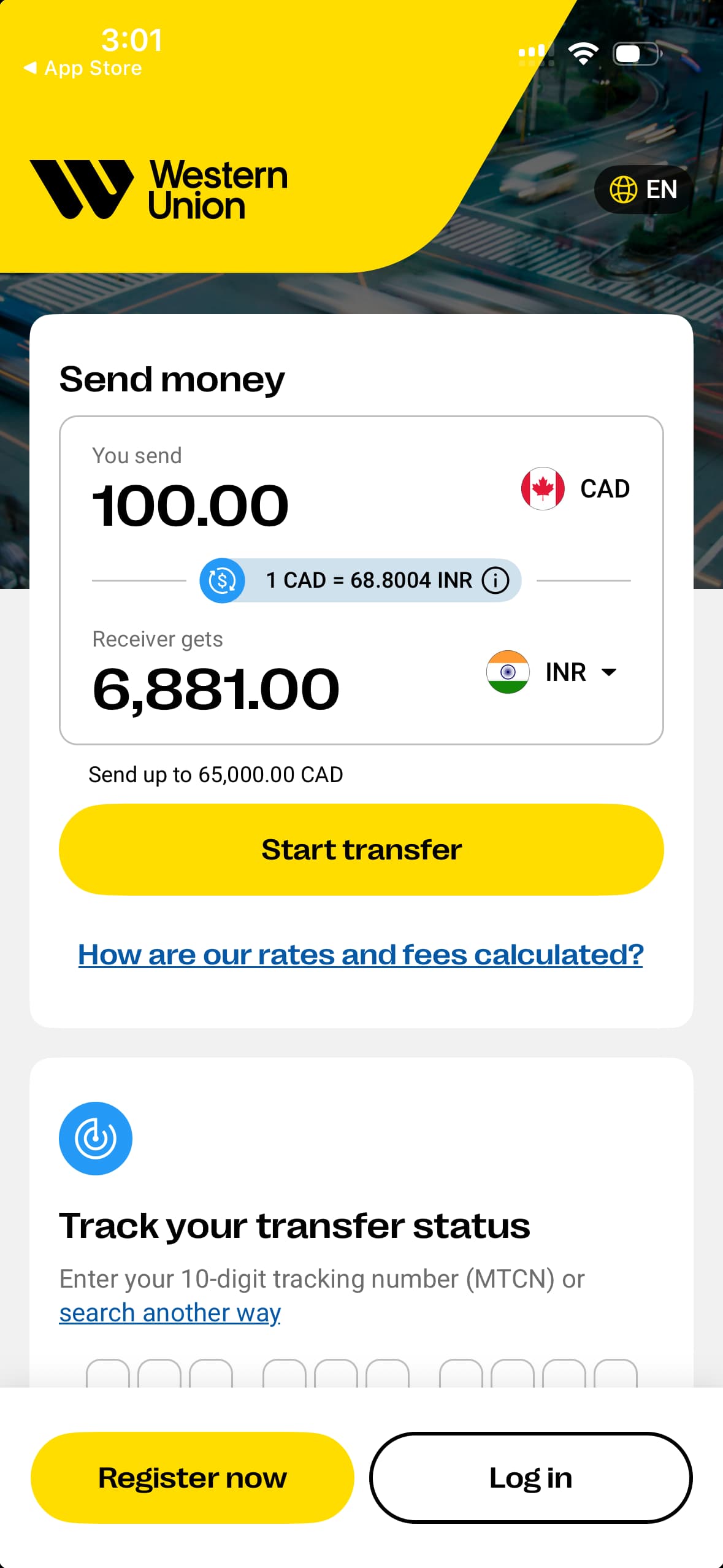
    Western Union is one of the world’s largest money transfer providers, with services available in over 200 countries and territories. We like that it has an extensive network of over 500,000 agent locations across these locations, giving you the option to send money in person, online or through the mobile app. We also like that Western Union has a free rewards program that offers discounts on transfer fees and certain brands, as well as bonus offers.

    • Transfer cost: Fees vary depending on the destination, payment method and delivery option, but they’re quite high compared to competitors, especially for larger transfer amounts. For example, sending $5,000 to Mexico would incur a transfer fee of $150. Western Union also applies an exchange rate margin, but it’s competitive and typically lower than traditional banks.
    • Payment options: Credit card, debit card, bank transfer, cash
    • Receiving options: Cash pickup, bank transfer, mobile wallet, credit card, debit card
    • Currencies: 130
    • Transfer limit:
      • Cash: No limit
      • Credit or debit card: $5,000
      • Bank transfer: $5,000
      • Payment at agent locations for transfers started online: $7,500
    • Customer support: Phone, live chat, email

    Pros

    • Highly rated mobile app
    • Well-established company founded in 1851
    • Over 500,000 agent locations worldwide
    • Send money to more than 200 countries and territories
    • First transfer free

    Cons

    • High transfer fees
    • Low transfer limits

    Paysend: If you want competitive rates

    Paysend logo
    Finder score
    Paysend
    Finder score
    Within an hour
    $0
    View details
    Compare product selection

    Why we like it

    Paysend is a digital money transfer service that also offers a dedicated business solution through Paysend Enterprise for companies managing international payments. We like that Paysend charges a flat fee of $3, no matter the transfer amount, which keeps the cost predictable even for larger transactions. Some transfers, like sending money to a bank account in the Philippines or the US, are even free.

    • Transfer cost: Typically $3 per transfer when sending from Canada, with some routes eligible for $0 fees. Exchange rates vary, as Paysend includes a margin in the FX rate, but it’s usually competitive.
    • Payment options: Mobile wallet, Interac e-Transfer, credit card
    • Receiving options: Bank account, credit card, mobile wallet, cash pickup
    • Currencies: 100
    • Transfer limit: Not published, but you’ll receive a notification if you reach your limit
    • Customer support: Email, live chat

    Pros

    • Promotional exchange rate and transfer fee for new customers
    • Referral program
    • Low, simple fees
    • Free transfers available
    • Multiple payout and delivery methods

    Cons

    • Can’t see fees without creating an account
    loading

    Key takeaways

    • Providers such as Xe, Remitly, OFX, Loop, Western Union and Paysend are strong contenders alongside Wise in the money transfer market.
    • Online money transfer specialists harness modern technology to deliver fast, secure and user-friendly international remittance services.
    • They emphasize transparent fee structures and real-time exchange rates to provide clarity on transaction costs.

    Money transfer app ratings

    AppGoogle Play StoreApple App StoreTrustpilot
    Remitly4.8 stars, based on 1.54m+ reviews4.9 stars, based on 2.6m+ reviews4.6 stars, based on 114,000+ reviews
    Xe4.7, based on 390,350+ reviews4.8 based on 59,000+ reviews4.4, based on 85,620+ reviews
    LoopNo reviews yet4.7, based on 13 reviews3.2, based on 93 reviews
    OFX4.2 stars, based on 4,308+ reviews4.8 stars, based on 920+ reviews3.9 stars, based on 130+ reviews
    Western Union4.3 stars, based on 22,000+ reviews4.6 stars, based on 45,000+ reviews4.3 stars, based on 163,000+ reviews
    Paysend4.6 stars, based on 170,000+ reviews4.8 stars, based on 28,000+ reviews4.2 stars, based on 40,000+ reviews

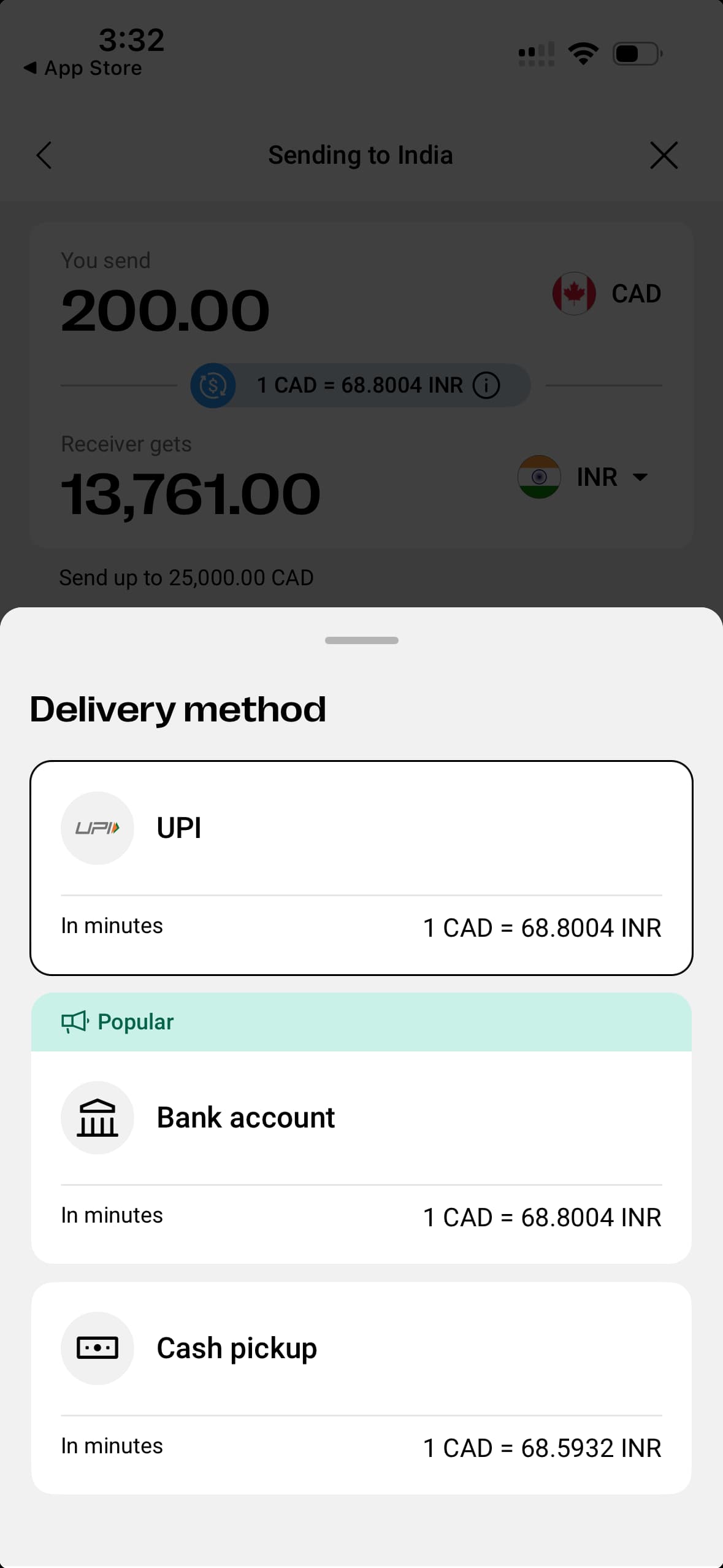
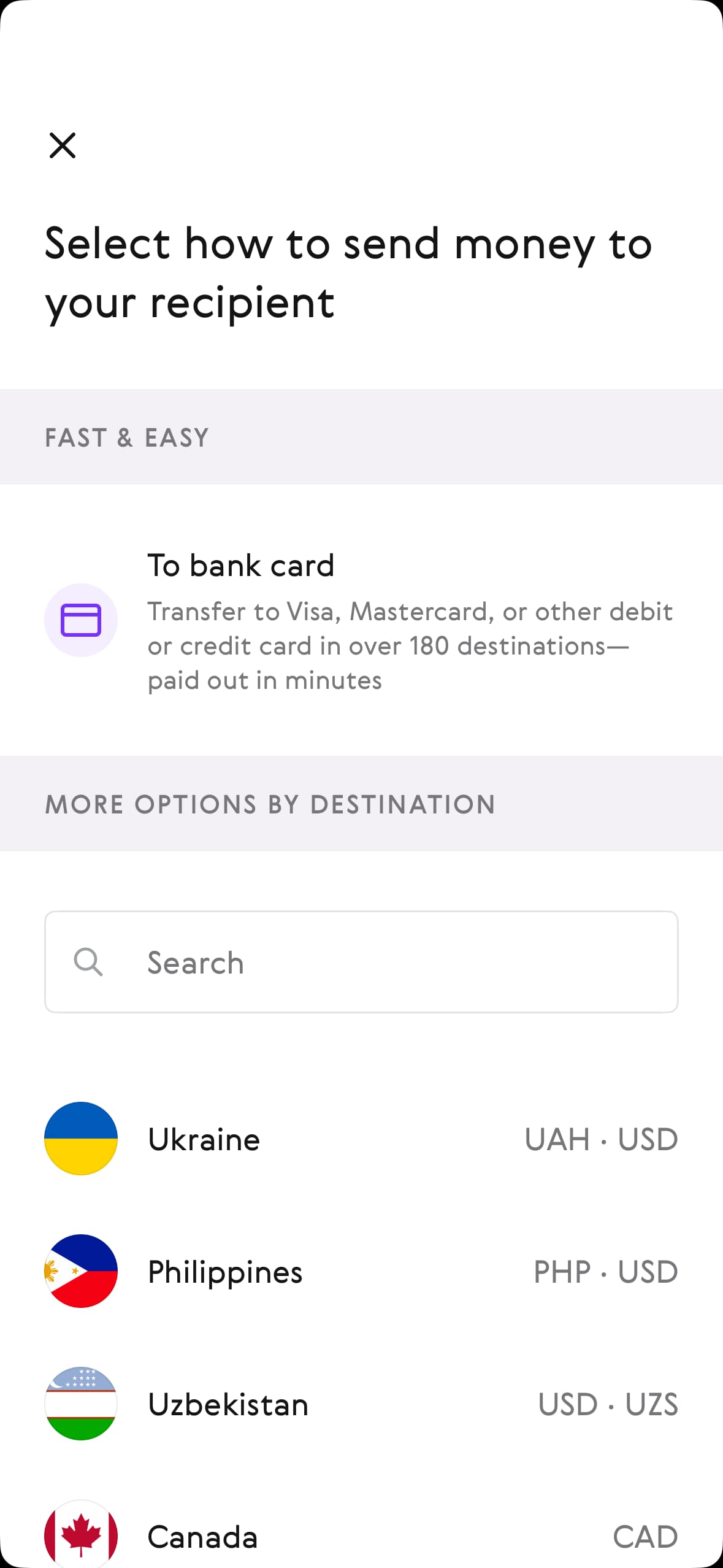
    Preview of the money transfer apps

    What is Wise?

    Wise (formerly TransferWise) was founded in 2011 as an international money transfer service and payment network. It offers money transfers to 160+ countries using the mid-market exchange rate with a transparent fee. Wise also provides a multi-currency account where you can receive, hold and convert funds in 50+ currencies.

    Another key product offering from Wise is a debit card for international travel. With the Wise card, you can take out up to $100 CAD per month from any international ATM with no fee. After that, you’ll have to pay a $2.69 CAD fixed and 2.69% variable fee to withdraw funds. The Wise card is also compatible with both Google and Apple Pay.

    In addition to personal money transfers, Wise offers business solutions for international money transfers, payroll and cash flow management.

    Is Wise in Canada?

    Yes, although Wise was founded in Europe, it has since expanded to operate in countries all over the world, including Canada, Australia, India, China, Japan and the US. In Canada, Wise is regulated by the Financial Transactions and Reports Analysis Centre of Canada (FINTRAC) and Authorité des Marchés Financiers (AMF).

    Is Wise safe to use?

    Yes, in addition to following safety guidelines from financial regulatory agencies around the world, Wise has a number of other security features in place to ensure your money transfers are safe. Unlike banks, Wise doesn’t invest your money but instead holds it in dedicated accounts or high-quality liquid assets.

    Wise also uses bank-level encryption, real-time fraud monitoring systems and strict regulatory compliance checks, along with secure login features such as two-step verification and device recognition.

    Did TransferWise change its name?

    Yes, TransferWise changed its name to “Wise” in 2021. While TransferWise primarily offered international money transfer services from its founding in 2011, the company has since added multi-currency accounts, a debit card and business solutions to its product lineup. In response to its expanded product offering, TransferWise changed its name to “Wise.”

    Can I use Revolut as an alternative to Wise in Canada?

    Unfortunately, no. Although Revolut offers some similar services to Wise, Revolut is not available in Canada. Revolut was founded in the UK as a banking alternative app that also provides money transfer options. However, after entering the Canadian market for a short stint in 2019, it pulled out of Canada in 2021.

    Bottom line

    Wise remains one of the most competitive options for international money transfers thanks to its mid-market exchange rate and transparent fee structure, but it isn’t always the best fit for every situation. Depending on your needs, apps like Remitly, Xe, OFX, Loop, Western Union and Paysend may offer better value, faster delivery or more flexible payout options. Ultimately, the best Wise alternative depends on where you’re sending money, how much you’re transferring and the features that matter most to you.

    Frequently asked questions

    Leanne Escobal's headshot
    To make sure you get accurate and helpful information, this guide has been edited by Leanne Escobal as part of our fact-checking process.
    Tim Falk's headshot
    Written by

    Writer

    Tim Falk is a freelance writer for Finder. Over the course of his 20-year writing career, he has reported on a wide range of personal finance topics. Whether you're investing in stocks and ETFs, comparing savings accounts or choosing a credit card, Tim wants to make it easier for you to understand. When he’s not staring at his computer, you can usually find him exploring the great outdoors. See full bio

    Tim's expertise
    Tim has written 571 Finder guides across topics including:
    • Banking
    • Personal Loans
    • Car Loans
    • Stock Trading
    • Cryptocurrency
    Rebecca Low's headshot
    Co-written by

    Writer

    Rebecca Low is a writer for Finder. She has contributed to a range of digital publications, including income.ca, Indeed, and Expatden, writing on topics like personal finance, career development, and travel. See full bio

    Ask a question

    You must be logged in to post a comment.

    More guides on Finder

    Go to site