Panda Remit Review: Is It Safe & Competitive?


- Minimum Transfer Amount
- $100
- Fees (Pay by Bank Transfer)
- From $2
Our verdict
Panda Remit offers attractive exchange rates for popular transfer destinations, but its transaction fees mean it won't always be the best choice for small transfers.
We're on a quest to find the best money transfer app, so we downloaded and tested Panda Remit along with 18 other apps. We found Panda Remit to have low exchange rate markups across a range of destinations. It offers fast transfers too, and we appreciate the fact that 24/7 customer support is available.
While Panda Remit's exchange rate markups are low, transfer fees of around $2 to $8.99 usually apply, so it's often not the most affordable option for small transfers. If you're sending $1,000 or more, however, it's well worth comparing Panda Remit with other providers to see if it offers the best value.
Pros
-
Competitive exchange rates
-
Send money to over 40 countries
-
24/7 global support
-
Funds arrive in a matter of minutes
-
Highly rated mobile app
Cons
-
Promo rates displayed on website
-
Transfer fees apply
-
$100 transfer minimum
-
Limited customer reviews compared to some competitors
What is Panda Remit?
Panda Remit is a money transfer app and website that lets you send money to people in 40+ countries. You can pay with a debit card or by e-Transfer, and your recipient can get the money you send in a matter of minutes. Payout methods, exchange rates and fees vary depending on where you send money.
Is Panda Remit legitimate in Canada?
Yes, Panda Remit is 100% legit. It’s registered as a Money Services Business in Canada with FINTRAC and is authorized by the Autorité des marchés financiers (AMF) in Quebec.
Is Panda Remit safe?
Yes, Panda Remit is a safe and regulated platform for money transfers.
It has obtained PCI DSS (Payment Card Industry Data Security Standard) certification, while it also gives you the option to set up 2-factor authentication on your account for whenever you log in to your account or initiate a transfer.
And if you ever have a problem with a transaction, Panda Remit offers 24/7 global support.
A closer look at the pros and cons
Pros
- Send to 40+ countries. Panda Remit supports transfers to 40+ countries, including a wide range of Asian and European transfer destinations.
- Competitive rates. We found that Panda Remit had competitively low exchange rate markups of between 0.1% and 0.65% across a variety of currencies.
- Fast transfers. Your recipient can get the money you send in as little as 2 minutes.
- 24/7 global support. If you have a problem with a transfer, Panda Remit offers 24/7 customer support.
- Cash pickup. If you're sending money to Singapore, Thailand, Malaysia or Nepal, you also have the option of sending a cash pickup transfer.
- Highly rated app. The Panda Remit app has earned plenty of positive user reviews across the App Store and Google Play.
Cons
- Promo rates displayed. The Panda Remit website shows promo exchange rates for new users, not the standard rates that apply to most transfers.
- Customer service issues. Some users complain about slow customer support response times.
- $100 minimum. Panda Remit has a minimum CAD transfer amount of $100.
- No large transfers. Panda Remit's maximum CAD transfer amount is $4,700.
- Limited reviews. Panda Remit has a limited number of reviews on sites like Trustpilot, whereas some of its more established competitors have tens of thousands of reviews.
Alternatives

8.5 Great
Fees (Pay by Bank Transfer)
From 0.48%
Min. Transfer Amount
$1
Fastest Transfer Speed
-

8 Great
Fees (Pay by Bank Transfer)
$0
Min. Transfer Amount
$1
Fastest Transfer Speed
Within minutes

8.6 Great
Fees (Pay by Bank Transfer)
From $0
Min. Transfer Amount
$1
Fastest Transfer Speed
Within minutes
Testing the Panda Remit app to see how much it really charges
How much does it really cost to send an international money transfer with Panda Remit? We compared it with 18 other money transfer apps, testing out real-world scenarios for transfers to India and Ukraine.
Unfortunately, Panda Remit doesn’t support transfers to Ukraine, so we focused on CAD to INR transfers instead. We found that Panda Remit was very competitive in terms of its exchange rate markup, but the fact that it also charged a transfer fee meant it wasn’t the cheapest option.
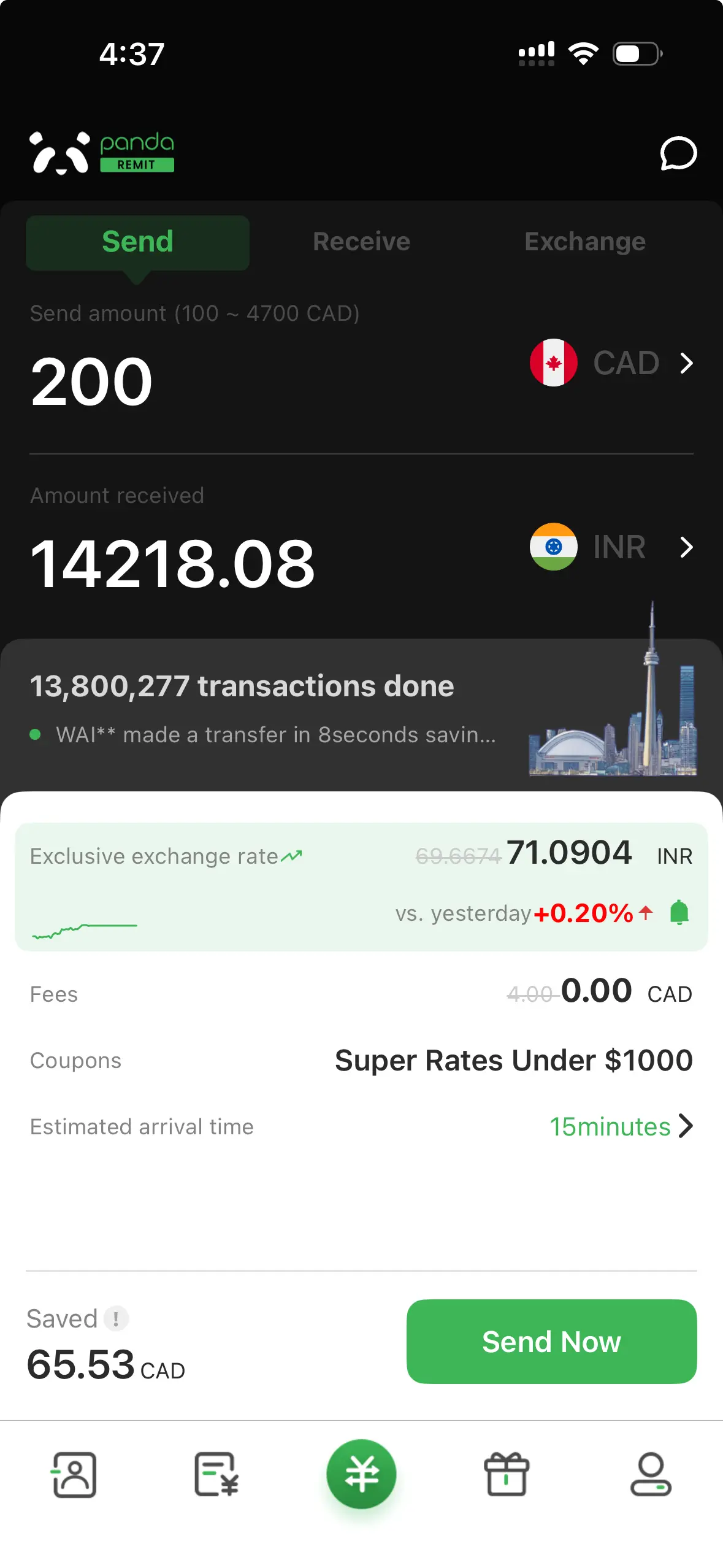
For a $200 transfer to India paid for with an e-Transfer payment, Panda Remit had one of the smallest exchange rate markups of 0.16%. But when you add a $4 fee into the equation, the total cost of the transfer rises to 2.16%. For comparison, we found that we could send the same transfer with Remitly for a cost of 1.37% and to Pesa for a cost of 0.53%.
For a $1,000 transfer to India, Panda Remit’s lowest markup was 0.83%. The app with the lowest markup was Pesa (0.53%), while the app with the highest markup (excluding the big banks) was Skrill (2.24%).
What are Panda Remit’s transfer fees?
Panda Remit offers $0 fees on the first transaction for new users. After that, transfer fees apply.
As you can see in the table in the next section, we checked Panda Remit’s transfer costs when sending money to 10 different countries. We found that transfers attract a flat fee ranging from $2 to $8.99, depending on your transfer destination. That might not sound like a huge amount, but costs can add up when you also take into account the exchange rate markup.
But it’s worth noting that Panda Remit’s flat fee structure makes it better suited for large transfers. For example, a $4 fee on a $200 transfer represents a 2% markup, but the same fee on a $1,000 transfer is a 0.4% markup.
Calculating Panda Remit’s cost markup for money transfers
Because Panda Remit’s rates change depending on where you are sending money, we combined the transfer fee and exchange rate markup to find the exact cost of sending $200.
| Country | Mid-market rate (1 CAD) | Exchange rate offered (1 CAD) | Fee charged | Exchange rate markup | Fee markup | Total cost markup |
|---|---|---|---|---|---|---|
| China | 4.9474 CNY | 4.9223 CNY | $8.99 | 0.51% | 4.50% | 5.01% |
| Thailand | 23.6886 THB | 23.6588 THB | $2 | 0.13% | 1% | 1.13% |
| United States | 0.7276 USD | 0.7260 USD | $4 | 0.22% | 2% | 2.22% |
| South Korea | 1,088.9850 KRW | 1,084.3465 KRW | $4 | 0.43% | 2% | 2.43% |
| Italy | 0.6257 EUR | 0.6238 EUR | $4 | 0.30% | 2% | 2.30% |
| United Kingdom | 0.5414 GBP | 0.5398 GBP | $4 | 0.30% | 2% | 2.30% |
| Vietnam | 19,178.54 VND | 19,058.10 VND | $4 | 0.63% | 2% | 2.63% |
| Australia | 1.0171 AUD | 1.0144 AUD | $4 | 0.27% | 2% | 2.27% |
| Mexico | 12.5984 MXN | 12.5333 MXN | $4 | 0.52% | 2% | 2.52% |
| Morocco | 6.7108 MAD | 6.6691 MAD | $5.99 | 0.62% | 3% | 3.62% |
As at May 19, 2026
How long does an international Panda Remit money transfer take?
Panda Remit transfer times vary depending on where you are sending money and the recipient’s payout method.
The quickest transfers to digital wallets are completed almost instantly, so your recipient could get the money as soon as a couple of minutes. But if you’re sending funds to a bank account, the transaction could take 1 – 3 business days to be processed.
What’s it like to use the Panda Remit app?
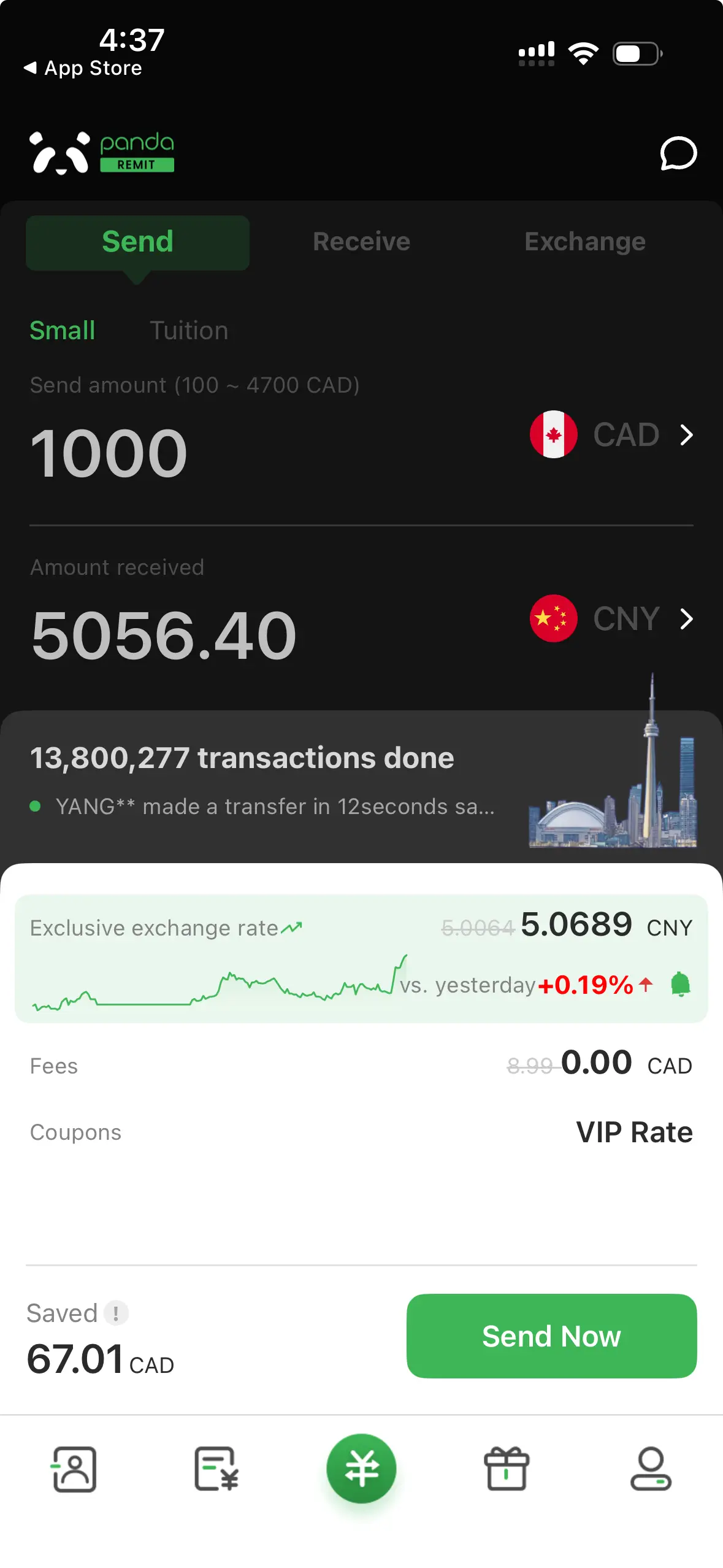
The Panda Remit app has certainly picked up plenty of 5-star reviews, and we found it reasonably easy to understand and use. It’s quite straightforward to enter your transfer details, review the exchange rate and fees, and submit your transaction.
That said, the app’s user interface is a little busier than that of some of its competitors, and not quite as intuitive as the best money transfer apps. So while it’s pretty good, it’s not perfect.
Panda Remit app ratings
| Platform | Ratings |
|---|---|
| Google Play Store | 4.6 out of 5 stars, based on 16,000+ reviews |
| Apple App Store | 4.8 out of 5 stars, based on 5,600+ reviews |
| Trustpilot | 4 out of 5 stars, based on 850 reviews |
As at May 19, 2026
What do Panda Remit reviews say?
While the Panda Remit app generally scores positive reviews, feedback is slightly more mixed on Trustpilot for the service Panda Remit offers as a whole. But the transfer service still averages 4/5 on Trustpilot, with over 70% of ratings for Panda Remit being 5-star reviews.
On the positive side, customers praise Panda Remit for fast transfers, good exchange rates and helpful customer service. On the negative side, people complain about delayed transfers and poor customer service.
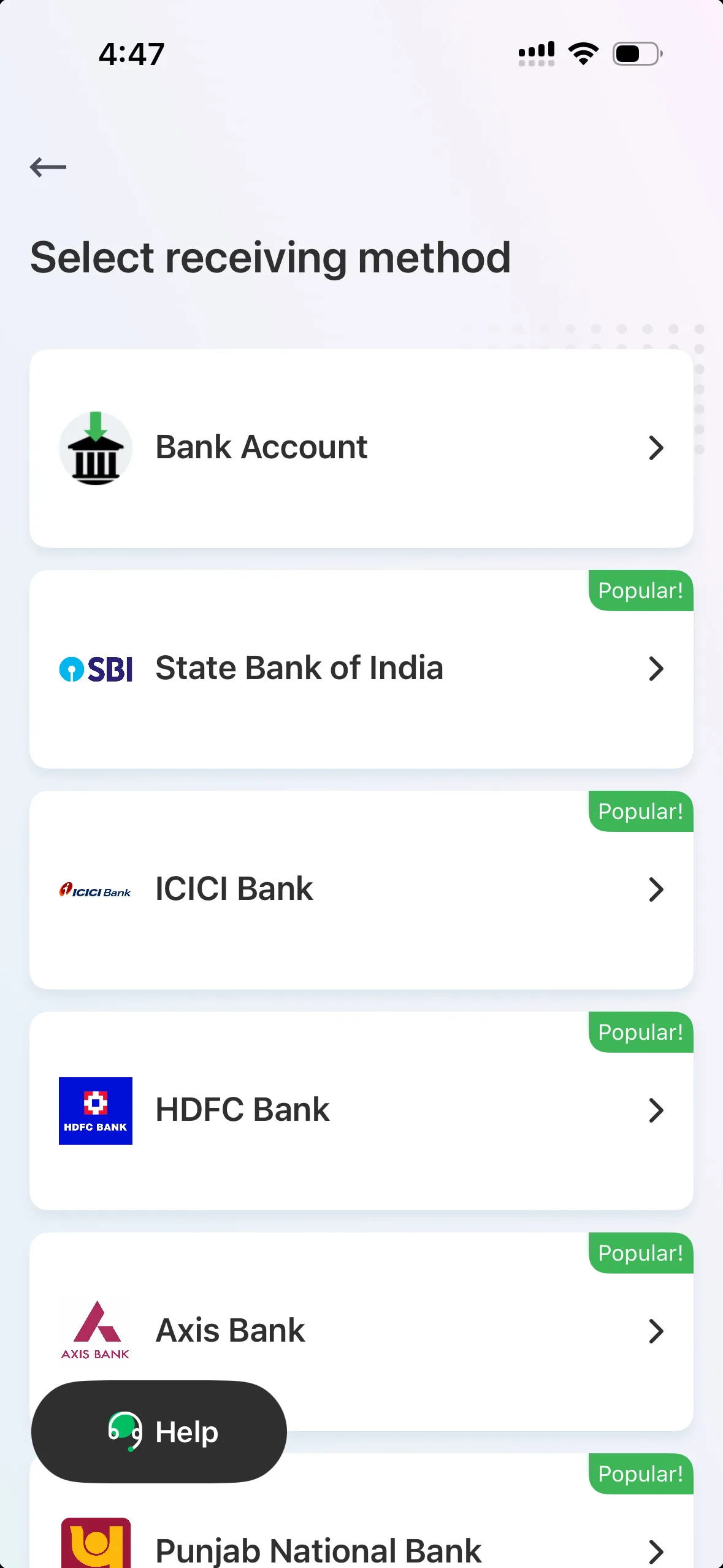
Preview of the Panda Remit app

How to send money with Panda Remit
- Create an account. Sign up online or via the Panda Remit mobile app using your phone number or email address, then provide your personal information.
- Verify your ID. You’ll need to provide a form of government-issued photo ID to prove your identity.
- Enter transfer details. Select the country you want to send money to, enter the amount you wish to send and then provide your recipient’s details.
- Review and confirm. Check that all details are correct before sending your transfer.
Bottom line
Panda Remit is a solid option when you need to send money to a loved one or friend in another country. It’s easy to use, supports fast transfers, and generally offers competitive exchange rates. But transfer fees apply, so whether or not it’s the cheapest option for you really depends on the specific details of your transaction. Compare Panda Remit with other money transfer apps to find out how the costs compare.
Frequently asked questions
Sources
Your reviews